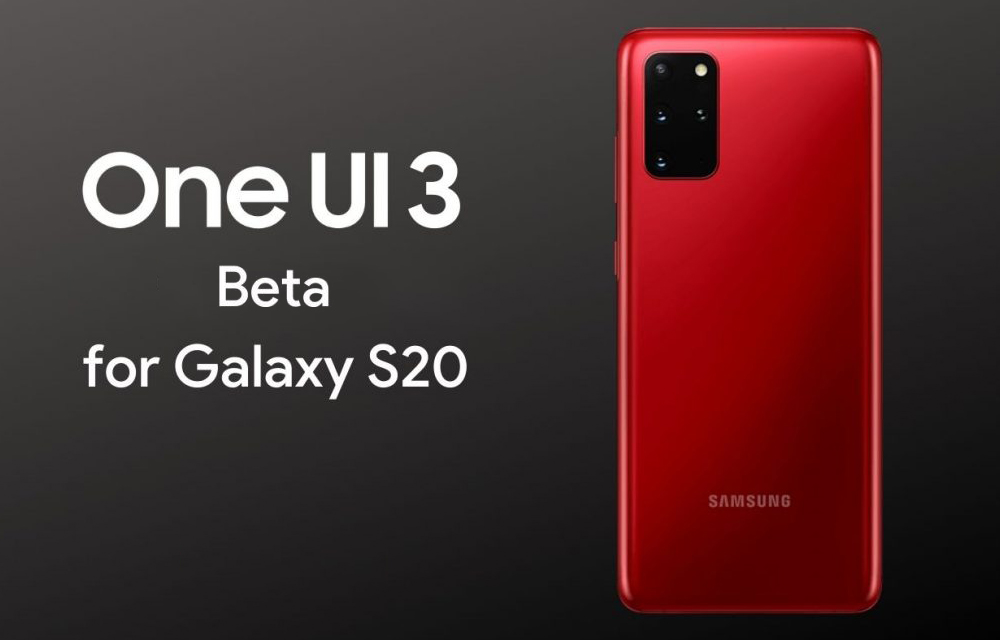
Πριν λίγες ημέρες, η Samsung κυκλοφόρησε την πρώτη Developer Beta του One UI 3.0 και τώρα διέθεσε την πρώτη Beta έκδοση της Android 11-based ROM.
Τον προηγούμενο μήνα, η νοτιοκορεάτικη κατασκευάστρια παρουσίασε τα Samsung Galaxy Note 20 και τη νέα έκδοση της ROM της, που δεν είναι άλλη από το One UI 2.5. Επιπλέον, η εταιρεία αποκάλυψε ότι ετοιμάζει το One UI 3.0 του οποίου μόλις έγινε διαθέσιμη η πρώτη beta έκδοση.
Νέα έκδοση με πολλές αλλαγές και προσθήκες
Πριν λίγες ημέρες, η Samsung κυκλοφόρησε την πρώτη Developer Beta του One UI 3.0 και τώρα διέθεσε την πρώτη Beta έκδοση της Android 11-based ROM. Η ενημέρωση είναι διαθέσιμη στα Samsung Galaxy S20, Galaxy S20+, και Galaxy S20 Ultra.
Το update έχει μέγεθος 2,5 GB και σύμφωνα με τις σημειώσεις έκδοσης, τις οποίες θα βρείτε στο τέλος του άρθρου, προσθέτει πολλά νέα χαρακτηριστικά και ενσωματώνει τις ενημερώσεις ασφαλείας του Android για τον μήνα Σεπτέμβριο του 2020.
Οι πρώτες εικόνες της Beta έκδοσης
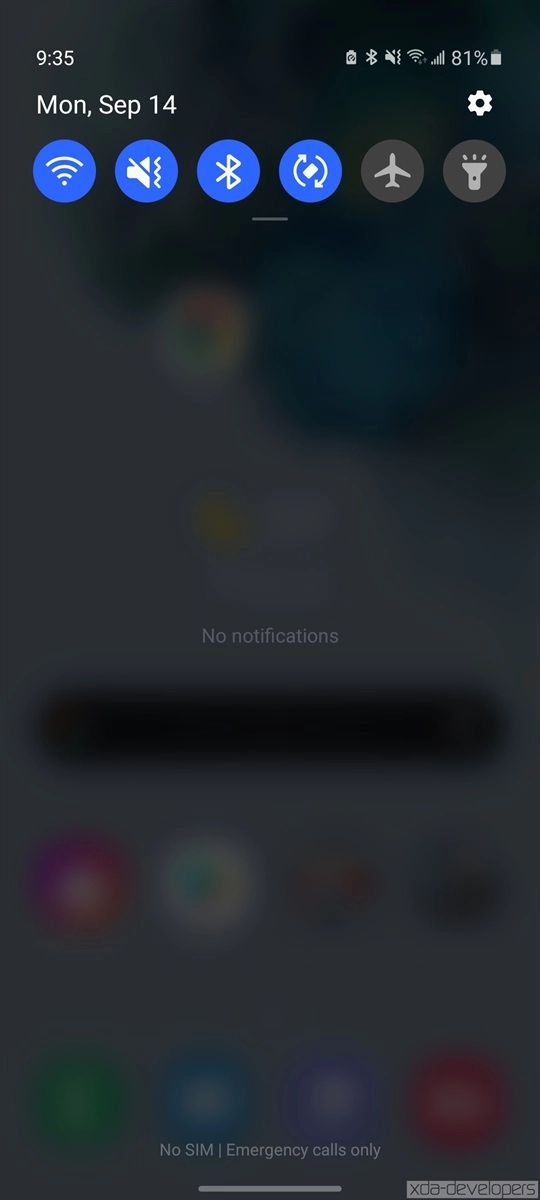
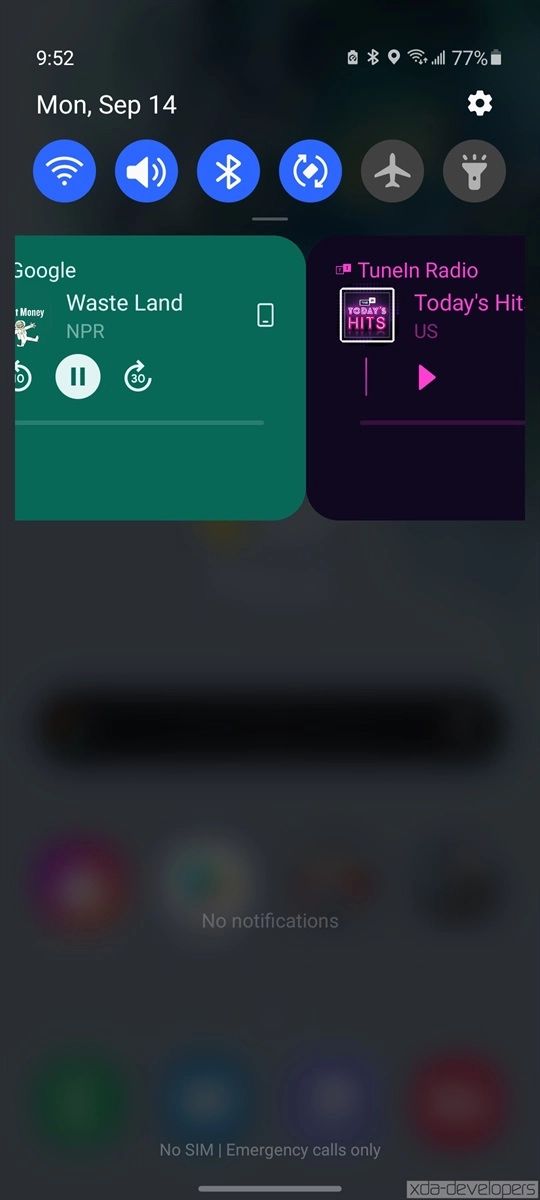
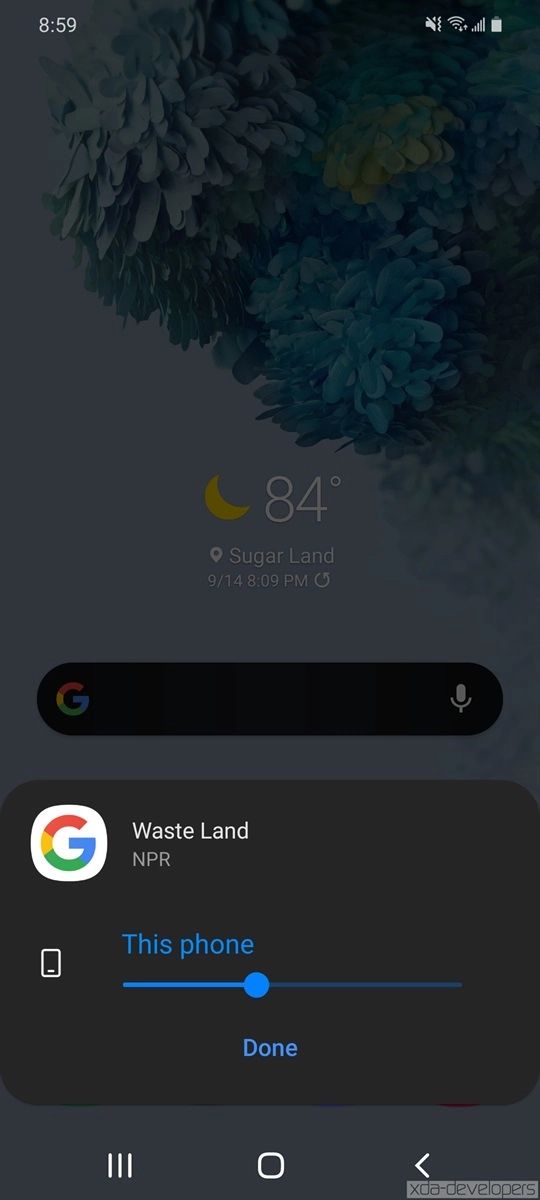
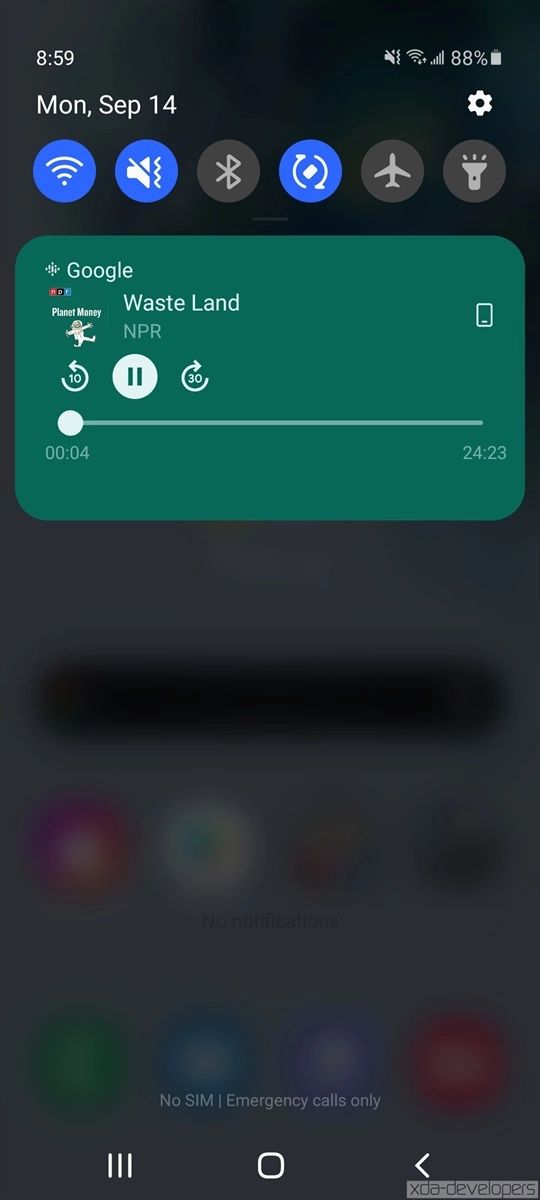
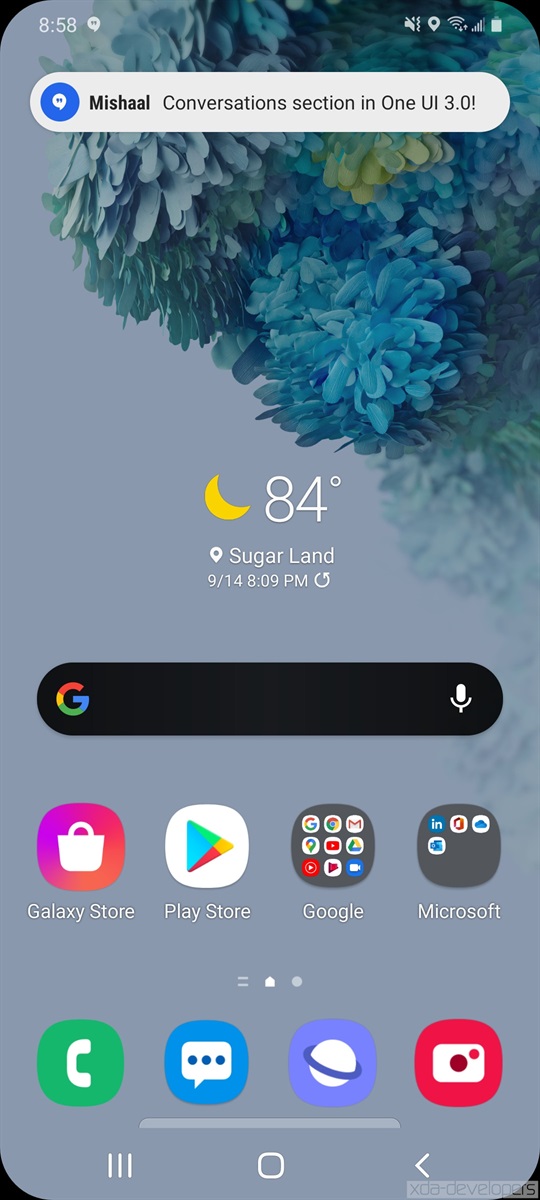
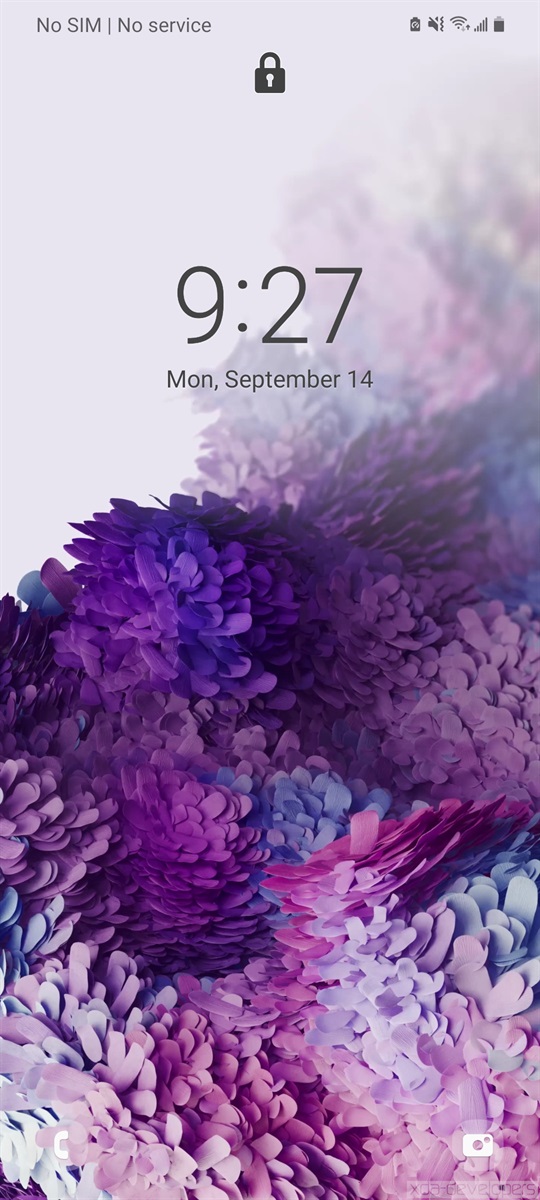
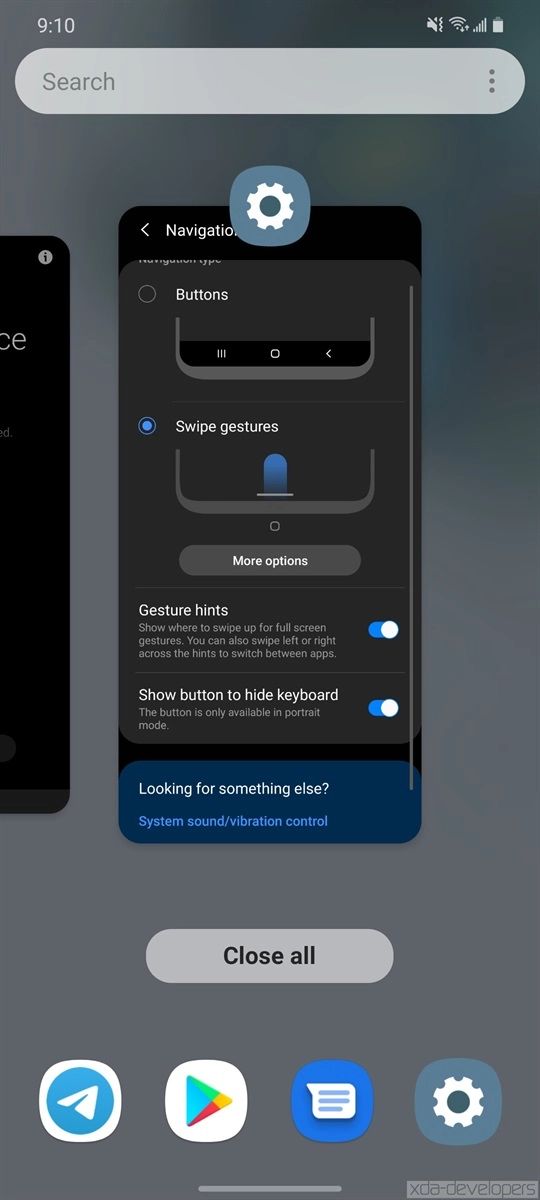
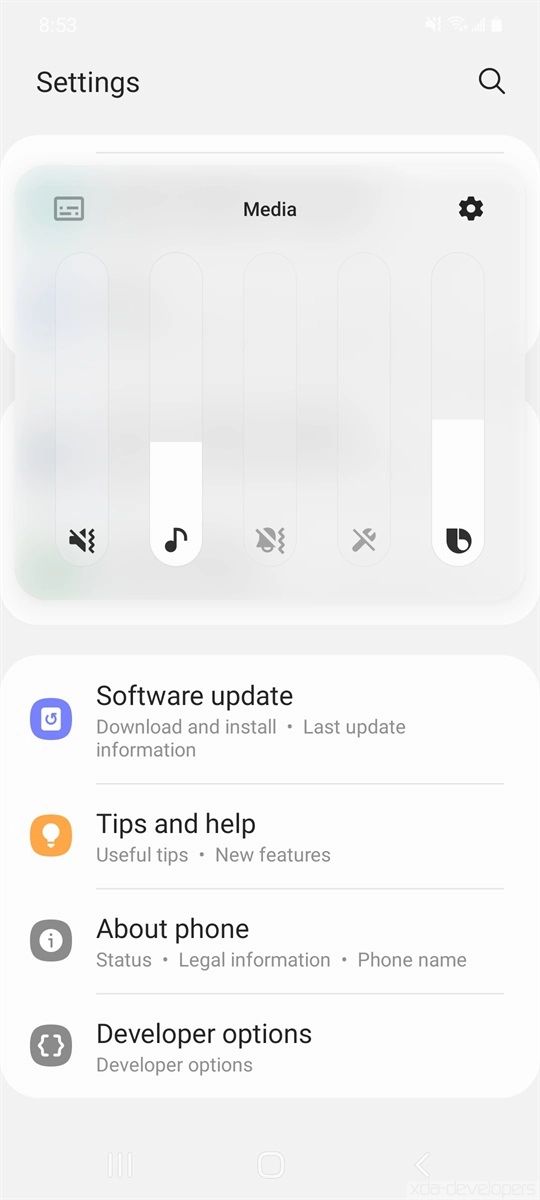
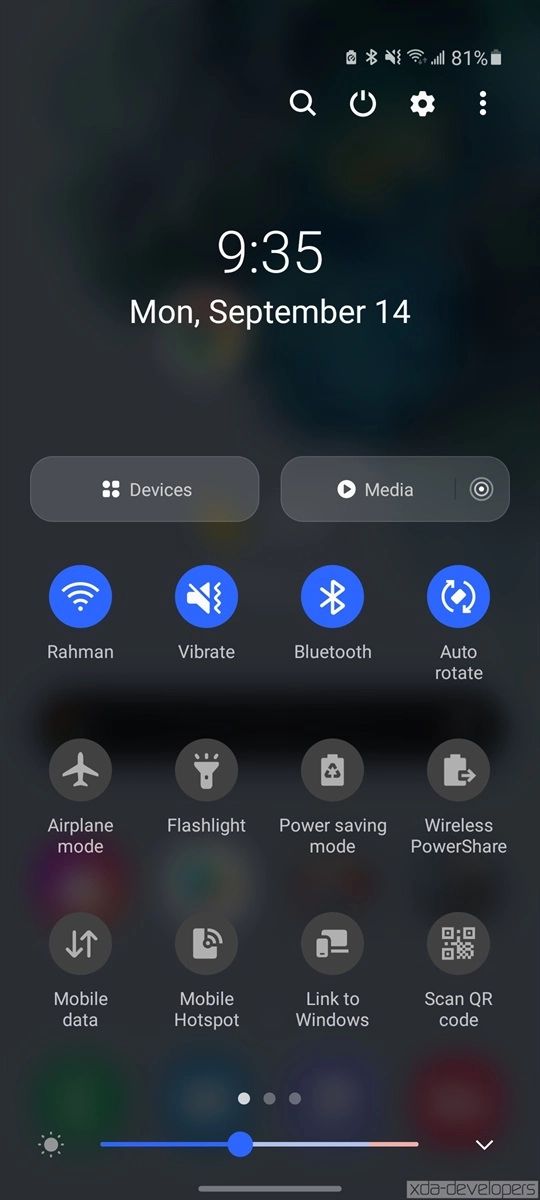
Το XDA Developers που έχει στα χέρια του ήδη το One UI 3.0 φρόντισε να δημοσιεύσει πολλά screenshots από το περιβάλλον, τις εφαρμογές, και τα μενού της νέας ROM. Στην παρακάτω συλλογή μπορείτε να δείτε μερικές από τις εικόνες που δημοσίευσε η ιστοσελίδα. Το πλήρες πακέτο με όλα τα screenshots θα το βρείτε στον σύνδεσμο της δεύτερης πηγής.
Σημειώσεις Έκδοσης One UI 3.0 Beta
Home screen
Touch and hold an app to add an associated widget
Turn the screen off by double-tapping on an empty are of the Home screen. You can turn this on in Settings > Advanced features > Motion and gestures.
Lock screen
Dynamic Lock screen now has more categories,, and you can select more than one.
Lock screen widgets are improved.
Quick panel
See your conversations and media more conveniently in their own sections when you swipe down from the top of the screen.
AOD
Always On Display widgets are improved.
Accessibility
Get quick access to the most important accessibility settings during device setup.
Get recommended accessibility features based on what you use.
Set the Accessibility shortcut more easily in settings.
Sound detectors now work with your SmartThings devices such as TVs and lights to give you more visible alerts when the doorbell rings or a baby is crying.
Samsung Keyboard
You can find the keyboard in settings more easily under General management in Settings, and the settings have been reorganized to put the most important ones first.
Samsung DeX
You can now connect to supported TVs wirelessly.
New touchpad multi-gestures let you change screen zoom and font size more easily.
Internet
Added ability to block websites from redirecting you when you tap the Back button.
Added warnings and blocking options for websites that shot too many pop-ups or notifications.
Rearranged menus to make things easier to find.
Added several new add-ons, including one that translates websites.
Added option hide the status bar for a more immersive browsing experience.
Increased maximum number of open tabs to 99.
Added ability to lock and reorder tabs.
Improved design for tab bar which is now supported on all devices.
Ended support for Samsung Internet edge panel.
Contacts & Phone
Added the ability to edit multiple linked contacts at one time.
Added an option to help you quickly delete duplicate contacts.
Enhanced the search experience.
Extended the storage period of the Trash bin from 15 to 30 days.
Phone/Call background
Added the ability to customize the call screen with your own pictures and videos.
Messages
Created a Trash bin to store recently deleted messages.
Call & Text on other devices
Added the ability to turn Call & text on other devices on or off with Bixby Routines.
Calendar
Events with the same start time are now shown together in month and agenda view.
Reorganized options for adding and editing events.
Improved layout for full screen alerts.
Reminder
Improved layout for full screen alerts
Digital wellbeing and Parental controls
Added trends to your weekly report. You can see how your usage has changed since the previous week and check your usage time for each feature.
Added phone usage time while driving to the weekly report.
Added a lock screen widget so you can check your screen time without unlocking your phone.
Added separate profiles for personal and work modes so you can track your screen time separately.
Camera
Improved auto-focus and auto exposure functionality and usability.
Improved stabilization when taking pictures of the moon at high zoom levels.
Photo editor
Added the ability to revert edited pictures back to their original versions.
Bixby Routine
Grouped preset routines help you get started quickly and learn how to build your own routines easily.
You can now see what actions are reversed when a routine ends.
New conditions have been added, such as a specific start time, the disconnection of a Bluetooth device or Wi-Fi network, a call from a specific number, and more.
New actions have been added, including talking to Bixby and accessibility actions.
You can add a customized icon for each routine and add routines to the Lock screen for quick access.
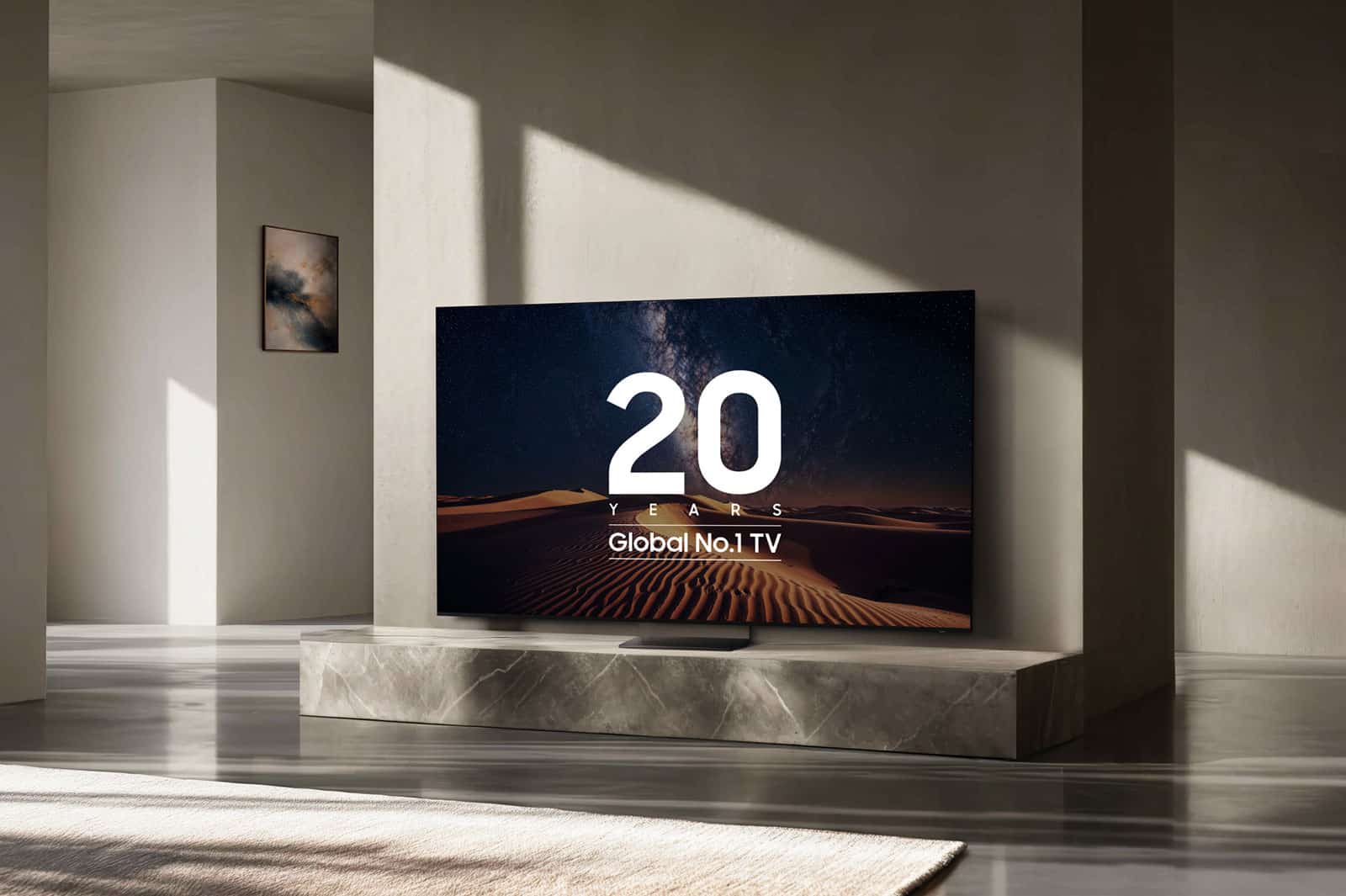
Η Samsung παραμένει το Νο.1 brand τηλεοράσεων παγκοσμίως για 20 συνεχόμενα χρόνια, με μερίδιο αγοράς 29,1% το 2025 και επενδύσεις σε QLED, OLED και Micro LED τεχνολογίες.



ΣΥΖΗΤΗΣΗ
Προσθήκη σχόλιου